Get in touch
I'm always excited to take on new projects and collaborate with innovative minds.
Phone
Website
Address
Dhaka, bangladesh
I'm always excited to take on new projects and collaborate with innovative minds.
Dhaka, bangladesh
Reused and weak passwords are how small businesses get hacked. Learn how a password manager fixes the problem and how to roll one out for your team.
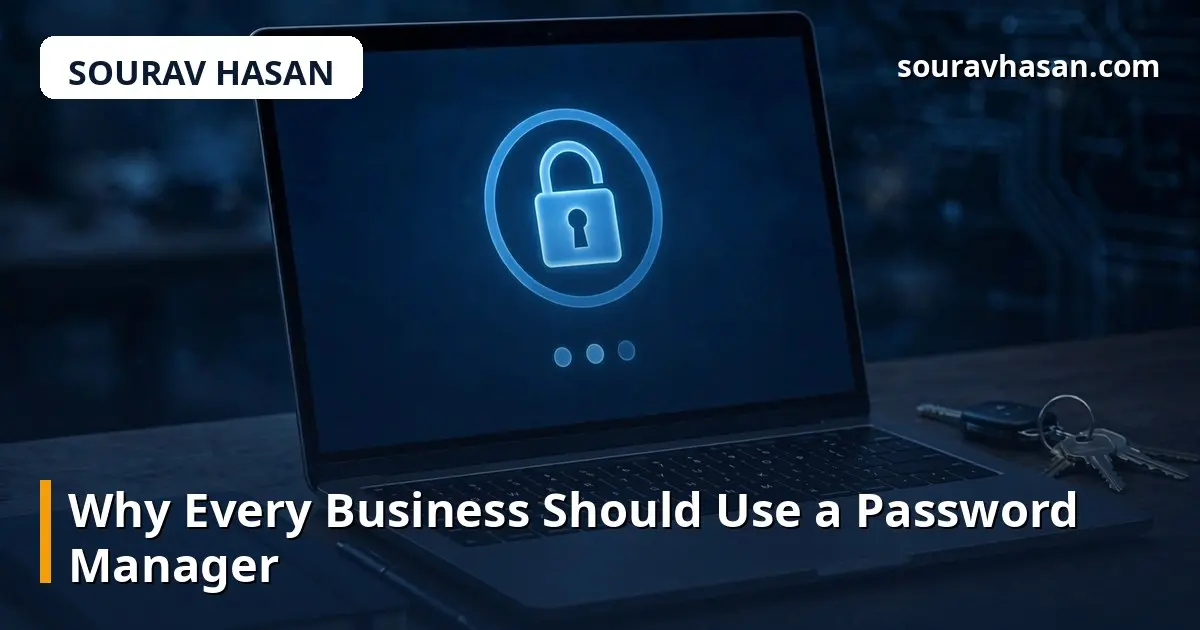
Ask a small business owner how they keep track of passwords and you will usually hear one of three answers: the same password everywhere, a notebook by the desk, or a browser that remembers everything. All three are common, all three feel convenient, and all three are exactly how accounts get taken over. A password manager fixes this problem properly, and it is one of the simplest security improvements any business can make.
I look after IT for a company and run my own online store, and passwords are part of my daily work. I have seen what happens when one reused password leaks: the attacker does not stop at one account. This post explains what a password manager does, why the old habits are dangerous, and how to introduce one to a team without a revolt.
Human memory is the weak point. A strong password should be long, random and unique to each site — but nobody can remember fifty passwords like that. So people reuse one or two passwords, add a number at the end, or write them down where anyone in the office can see them. Each shortcut creates a risk.
Password reuse is the most dangerous habit. When one website suffers a data breach, the stolen passwords are tried against email, banking, social media and business accounts within hours. If your email password is the same as the one that leaked, the attacker can reset the passwords of your other accounts from your inbox. A single leak can become a full takeover, and the business often only discovers it when money or data is already gone.
A password manager is a secure vault for all your passwords, protected by one strong master password. It generates long, random passwords for every account, stores them encrypted, and fills them in for you when you log in. You only need to remember the master password — the manager remembers the rest.
Good managers also warn you when a password has appeared in a known breach, when you are reusing a password, or when a site you use has been compromised. Business versions add shared folders, so the team can share access to a company account without everyone knowing the password, and an admin can remove a departing employee's access in one place. It is a small monthly cost for a large reduction in risk.
Look for a reputable manager with a business or teams plan, apps for Windows, Mac, Android and iPhone, and browser extensions for the browsers your team uses. The master password should be protected with strong encryption, and the service should offer two-factor authentication for the vault itself — that is essential, because the vault holds the keys to everything.
Consider how sharing works. A good business plan lets you create shared collections — for example, one for social media accounts, one for supplier portals, one for finance tools — and control who sees each one. When someone leaves, you remove them from the shared collections instead of changing every password. Avoid free consumer tools for business use if they lack proper sharing and admin controls; the cost of a proper plan is small compared with the cost of a breach.
People resist new tools when they feel forced, so introduce a password manager as something that makes their work easier, not harder. Start with yourself and one or two colleagues, and let the rest of the team see how much simpler logging in becomes. Then set a short deadline for everyone to move their work passwords into the vault.
Give the team a simple process: install the app and browser extension, create the master password, import existing passwords from the browser, then let the manager generate new passwords for the most important accounts first — email, banking, the website admin and social media. Pair this with two-factor authentication on the important accounts. My guide on setting up two-factor authentication explains that step in detail, and it works hand in hand with a password manager.
A password manager is only as strong as the habits around it. The master password must be long and unique — a phrase of several random words is both strong and memorable — and it must never be written down or shared. Everyone should lock their computer when they step away, because an unlocked computer with a password manager open is an open vault. And the vault itself should always have two-factor authentication switched on.
Do not store the master password in the browser or in a note on the phone. If someone forgets their master password, most managers cannot recover it — that is the point of the encryption — so each person should have a safe way to remember theirs, such as a passphrase they can recall. For a business, the admin should know how account recovery works before it is ever needed. My website security basics guide covers the other habits that belong alongside this one, including updates and backups.
Yes, when that place is a reputable password manager with strong encryption. It is far safer than reusing passwords or keeping them in a notebook or a spreadsheet. The master password and two-factor authentication protect the vault, and the encryption means even the company behind the manager cannot read your passwords.
Most managers cannot reset it for you, because they cannot read your encrypted data. Some offer emergency access or a recovery key you set up in advance. Set up the recovery option when you first create the vault, before you need it.
Absolutely. A password manager protects your passwords; two-factor authentication protects your accounts even if a password is stolen. Use both together, especially for email, banking and your website admin.
For personal use, a good free manager can be fine. For a business, a paid teams plan is usually worth it for shared folders, admin controls and the ability to remove access when someone leaves. The cost is small and the control matters.
A password manager does not ask your team to become security experts. It asks them to remember one strong password and let the tool handle the rest. Weak, reused passwords are one of the easiest ways into a small business, and a manager removes that weakness in a single move. Pick a reputable business plan, set it up for yourself first, roll it out with a clear deadline, and combine it with two-factor authentication. It is a small change in how your team works — and a large change in how hard your business is to break into.
Your email address will not be published. Required fields are marked *