Get in touch
I'm always excited to take on new projects and collaborate with innovative minds.
Phone
Website
Address
Dhaka, bangladesh
I'm always excited to take on new projects and collaborate with innovative minds.
Dhaka, bangladesh
A NAS is a private storage box for your office network. Learn what it does, who needs one, and how it compares with cloud storage and external drives.
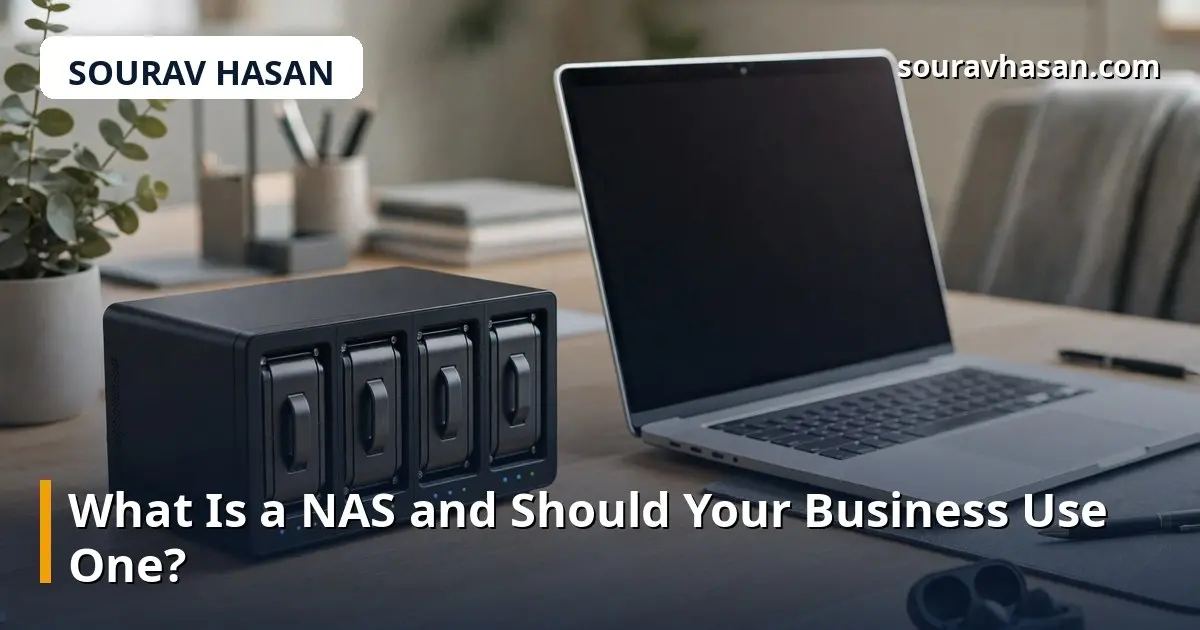
Every business collects files: invoices, product photos, customer records, design work, CCTV footage, backups of the website. At first those files live on one computer, then on a few computers, then on a pile of USB drives that nobody can find when they are needed. A NAS — network attached storage — is a simple answer to that slow mess. It is a small box of hard drives that sits on your office network and gives everyone shared, central storage.
I manage IT for a company and run my own e-commerce store, so I deal with shared files every day. A NAS is one of those tools that sounds technical but is really about an everyday problem: where do our files live, who can reach them, and what happens if a computer fails.
A NAS is a small device that holds one or more hard drives and connects to your office network with a cable. Once it is set up, any computer on the same network can open it like a shared folder — no USB drive, no emailing files to yourself. You can give different people different access, so accounts staff see the accounts folder and nobody else does.
Think of it as a private file server, but without the size, cost or complexity of a real server. Most NAS devices for small businesses hold two to four drives and come with simple software for creating folders, users and automatic backups. You manage it through a web page, in much the same way you manage a Wi-Fi router.
The most common use is central file storage. Instead of the same invoice living on three computers in three different versions, there is one copy on the NAS that everyone uses. Staff can work from any computer in the office and find the same files.
A NAS is also a reliable place for backups. You can set office computers to back up to it automatically, so a failed laptop does not mean lost work. Many small businesses also use a NAS to store CCTV recordings, keeping weeks of footage in one place instead of on a recorder with a single small drive. And because the files stay in your office rather than on someone else's servers, you keep full control of your data — useful when you handle customer information.
Cloud storage services are easy to start with and let staff reach files from anywhere, but the cost grows with every user and every gigabyte, and you need a good internet connection to use them well. An external hard drive is cheap and simple, but it is tied to one computer, easy to lose, and useless as a backup if it sits next to the computer it is backing up.
A NAS sits between the two. You pay once for the device and the drives, there is no monthly fee per user, and files move at local network speed, which is far faster than uploading to the cloud. The trade-off is that a NAS is in your office: if there is a fire or a flood, the NAS is at risk too. That is why the best setup combines a NAS for daily storage and backups with a cloud copy of the most important files. My guide on cloud hosting explains when moving services to the cloud makes sense and when keeping them local is better.
For a small office, two drives in a mirrored setup are a good start. Mirroring means each file is written to both drives, so if one drive fails, the other still has everything. You lose half the total capacity to the mirror, but you gain protection against the most common failure.
Work out your needs before buying. Add up the files you have now, then allow for at least two or three years of growth, and leave room for backups and CCTV footage if you plan to store those too. Drives are the main running cost, so choose a size you will not outgrow in a year. My comparison of SSD vs HDD storage will help if you are deciding between drive types for office computers, and the same logic applies to the drives inside a NAS.
Setup is usually straightforward: install the drives, connect the NAS to your router or switch, and follow the setup wizard to create folders and user accounts. Give the NAS a fixed address on your network so computers can always find it, and set a strong admin password — a NAS holds your most important files, and the default password is the first thing an attacker will try.
Day-to-day care is light but important. Keep the software updated, check the drive health warnings now and then, and test that your backups actually restore — a backup you have never tested is only a hope. Keep the NAS on a UPS so a power cut does not corrupt files mid-write.
A NAS makes sense if your business has two or more people sharing files, if you need a central place for backups, or if you store large files such as product photos, videos or CCTV footage. It also makes sense if you want control over your data rather than renting storage forever.
It may not be worth it if you are a one-person business with a handful of files — a cloud service or a good external drive backup routine will do. It is also not a replacement for a proper off-site backup, so pair it with a cloud copy of what you cannot afford to lose.
No. Modern NAS devices for small businesses are designed for people without IT training. The setup wizard walks you through creating folders and users, and most tasks after that are done through a simple web page.
Yes, many NAS devices offer secure remote access, but it must be set up carefully with strong passwords and, ideally, two-factor authentication. Opening a NAS to the internet without proper security is risky.
It depends. A NAS gives you one-time cost, fast local access and full control, while cloud services give you access from anywhere and built-in off-site safety. Many small businesses use both: NAS for daily work, cloud for the off-site copy.
A NAS will not make headlines in your business, but it quietly solves a problem every growing business faces: files scattered across computers, drives and inboxes. If two or more people share files, if backups are a worry, or if you are storing large amounts of footage and photos, a small NAS with mirrored drives is one of the best-value IT purchases a small business can make. Set it up properly, keep it updated, and keep a copy of the irreplaceable files somewhere else — and your data will be in far better shape than it is today.
Your email address will not be published. Required fields are marked *