Get in touch
I'm always excited to take on new projects and collaborate with innovative minds.
Phone
Website
Address
Dhaka, bangladesh
I'm always excited to take on new projects and collaborate with innovative minds.
Dhaka, bangladesh
What is a firewall, how does it protect a small business network, and what should you set up first? A plain-English guide with practical steps.
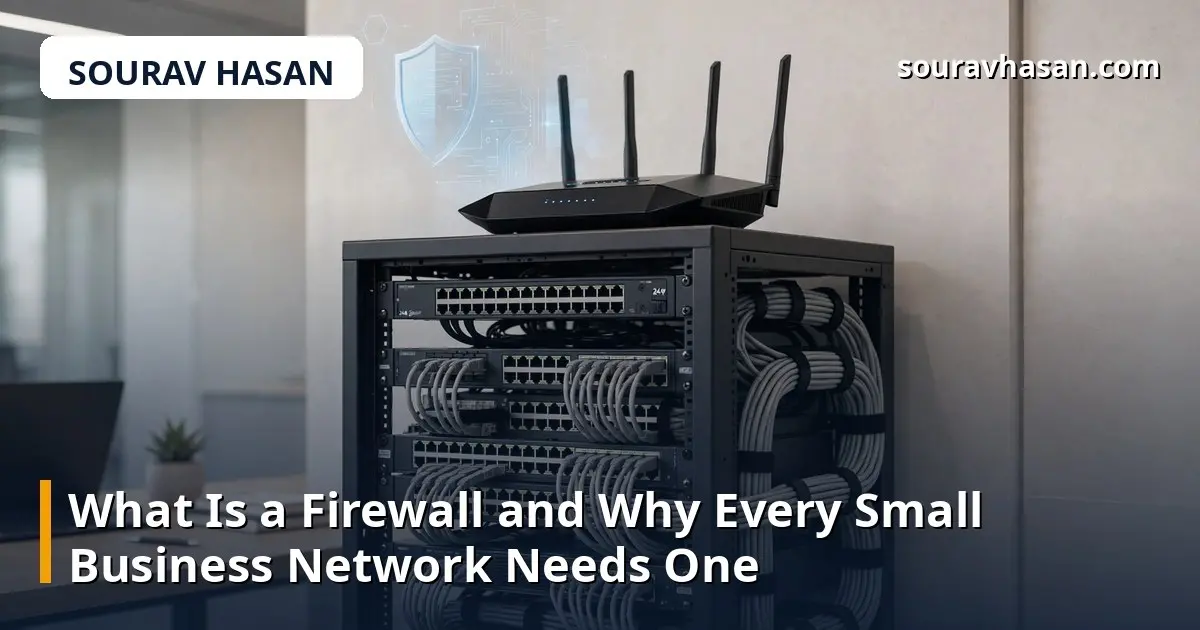
If you run a small business with computers, a Wi-Fi network and an internet connection, you already have a network worth protecting. A firewall is the first line of defence for that network — and one of the simplest security tools to understand. Yet many small businesses either do not have one properly set up or do not know whether they do. This guide explains what a firewall is, what it does, and what a small business should actually do about it.
A firewall is a barrier between your private network and the rest of the internet. It inspects the traffic trying to enter or leave your network and blocks anything that does not follow the rules you set. Think of it as a security guard at the door of your office: it checks who is coming in, turns away visitors who should not be there, and keeps a record of what happened.
Without a firewall, every device on your network is directly exposed to the internet. Automated scans constantly probe for open doors — unprotected services, weak passwords, outdated software — and they do not care whether the target is a large company or a small shop. A firewall does not make you invisible, but it closes the doors you are not using, which removes most of the easy opportunities.
There are two main kinds of firewall, and most small businesses end up using both.
A hardware firewall is a physical device — often built into your router — that sits between your network and the internet. It protects every device connected to the network at once: computers, phones, printers, cameras. Most modern business routers include a basic firewall, and many internet providers supply a router with one built in. It is usually already on, but it is worth checking rather than assuming.
A software firewall runs on an individual computer, such as the one built into Windows or macOS. It controls which applications on that machine can send or receive data. It protects the device even when it leaves the office — on a home network, a hotel Wi-Fi, or a mobile hotspot — which a hardware firewall cannot do. Both layers matter: the hardware firewall guards the network, the software firewall guards the device.
You do not need enterprise equipment to be reasonably safe. For most small businesses, the right setup is:
If you are not sure whether your business is protected, work through these steps in order:
The most common mistake is assuming the firewall is on. It usually is, but "usually" is not a check. Another is turning the firewall off to fix a problem and forgetting to turn it back on — a temporary fix that quietly becomes permanent.
People also forget the devices that are not computers. Network printers, CCTV cameras and smart devices are all on the network, and many have weak default passwords. A firewall helps, but changing default passwords on every connected device matters just as much. And remember that a firewall is one layer, not the whole defence: it works alongside updated software, strong passwords and sensible habits, which I cover in my guide to website security basics for small businesses.
For many small businesses, yes — as long as it is enabled, the admin password is changed, and the software firewalls on individual computers are also on. Larger or more sensitive setups may need more, but this covers the basics well.
For normal business use, no. Modern firewalls inspect traffic quickly, and any tiny delay is unnoticeable compared with the protection they provide.
Not necessarily. The firewalls built into routers, Windows and macOS are free and sufficient for most small businesses. Paid firewalls add features like deeper inspection and central management, which matter more as a business grows.
The same rules apply. Your home router almost certainly has a firewall — check that it is on, change the default admin password, and keep your computer's firewall enabled, especially on public Wi-Fi.
Setting up a firewall properly takes less than an hour for most small businesses, and most of that time is just finding the router password. It is one of the highest-value security tasks there is: a simple, mostly automatic layer of protection that works quietly in the background every day. Check it once, then put a reminder in your calendar to review it every few months.
Your email address will not be published. Required fields are marked *