Get in touch
I'm always excited to take on new projects and collaborate with innovative minds.
Phone
Website
Address
Dhaka, bangladesh
I'm always excited to take on new projects and collaborate with innovative minds.
Dhaka, bangladesh
IP cameras vs analogue CCTV compared on image quality, cost, installation and remote viewing, so you can pick the right security system for your home or shop.
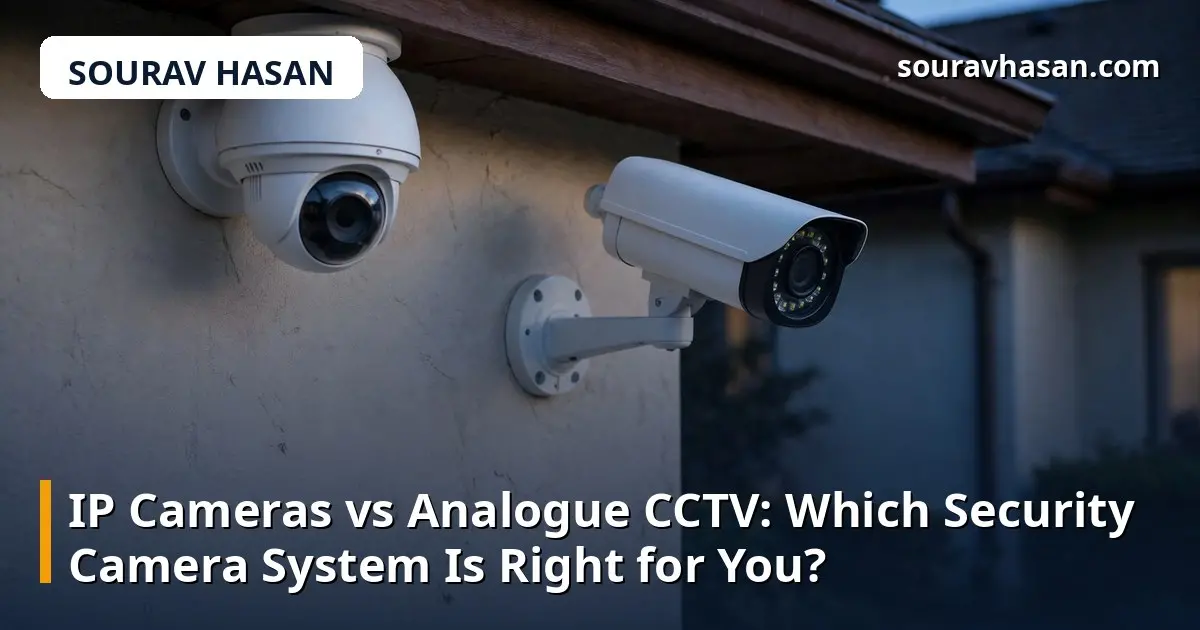
If you are shopping for a security camera system for your home or shop, you will quickly meet two options: analogue CCTV and IP cameras. They look similar on a shelf and both record video, but they work differently, cost differently, and suit different situations. Choosing the wrong one usually means either paying for features you do not need, or being stuck with blurry footage when it matters most.
Having worked with security cameras for homes and shops, I have installed and compared both kinds. This guide explains the real differences so you can choose with confidence.
An analogue system is the older, simpler design. Each camera connects to a DVR (digital video recorder) with a coaxial cable. The camera sends an analogue video signal down the cable, and the DVR converts it to digital form for recording and playback. It is a closed, straightforward system with few parts to go wrong.
An IP camera is a small computer with a lens. It captures video, compresses it digitally inside the camera, and sends it over a network cable or Wi-Fi to an NVR (network video recorder), a computer, or cloud storage. Because the video is digital from the start, IP cameras can offer higher resolutions and smarter features.
This is the biggest difference. Analogue cameras traditionally top out at lower resolutions, and while modern HD analogue formats have improved, they still generally trail IP cameras. An IP camera commonly records in 1080p, 2K or 4K, which means you can read a number plate or recognise a face at a distance where an analogue camera shows only a blur.
IP cameras also tend to offer more built-in features: better night vision, wide dynamic range for handling bright and dark areas in the same frame, motion detection, and on some models, person detection and two-way audio. Many analogue cameras offer some of these features too, but the range is narrower and the results are usually less refined.
That said, image quality is only useful if you actually need it. A camera watching a small storeroom does not need 4K resolution. Match the resolution to the job.
Analogue systems are simple to install: one coaxial cable per camera, carrying video and, with the right cable, power as well. The downside is that each camera needs its own cable run back to the DVR, which gets messy in larger buildings.
IP cameras use network cable, and with PoE (Power over Ethernet) a single cable carries both power and data. Multiple cameras can share one network switch, and wireless IP cameras need only a power point. For a new installation, or a site where running many cables is difficult, IP is usually the easier option. For replacing an existing analogue system, you can often reuse the old coaxial cables with a modern DVR — a real saving.
Analogue cameras and DVRs are generally cheaper to buy. For a basic four-camera setup on a tight budget, analogue is often the lowest-cost way to get covered. IP cameras cost more per camera, and you may also need a PoE switch and a more capable recorder.
Look beyond the purchase price, though. An IP system is easier to expand — adding a camera often means plugging into the existing network rather than running a new cable. It is also easier to upgrade, since cameras can be replaced one at a time. If you expect to grow the system later, the cheaper system can become the more expensive one over time.
Most people want to check their cameras from their phone. Both systems can do this, but IP cameras are built for it. They connect directly to your network, and their apps typically offer live viewing, playback, alerts and two-way talk with less setup.
Analogue systems also offer remote viewing through the DVR's app, but the experience is often more basic: slower loading, fewer features, and more dependence on the DVR itself. If checking cameras from your phone matters to you — and for most shop owners it does — IP has the edge.
There is no single right answer. Use these situations as a guide:
Whichever you choose, spend as much thought on placement and storage as on the cameras themselves: a good camera pointed at the wrong place, or a recorder that overwrites footage after two days, will not help you when you need it.
Yes, with a hybrid DVR that supports both. This is a practical way to upgrade an old system without replacing everything at once.
No. IP cameras work on your local network without internet. You only need internet for remote viewing from outside, cloud storage, or app notifications when you are away.
It depends on the number of cameras, the resolution and how many days of footage you want to keep. Higher resolution uses more storage. As a starting point, decide how many days back you might need to look — a week is a sensible minimum for a shop — and size the hard drive for that.
For one or two cameras near the router, usually yes. For larger systems, wired connections are more reliable: Wi-Fi can drop at exactly the wrong moment, and each wireless camera adds load to your network. If you are planning the full installation, read my guide to setting up a CCTV camera system for your home or shop.
The best security camera system is the one that covers the places that matter, records clearly enough to be useful, and keeps working without constant attention. Decide what you need to see, how you want to watch it, and what your budget allows — then choose the system that fits those answers. Either technology can serve you well when it is chosen for the right reasons and installed properly.
Your email address will not be published. Required fields are marked *