Get in touch
I'm always excited to take on new projects and collaborate with innovative minds.
Phone
Website
Address
Dhaka, bangladesh
I'm always excited to take on new projects and collaborate with innovative minds.
Dhaka, bangladesh
Phishing emails steal passwords and money by looking legitimate. Learn the warning signs to check in seconds — sender, links, urgency and attachments.
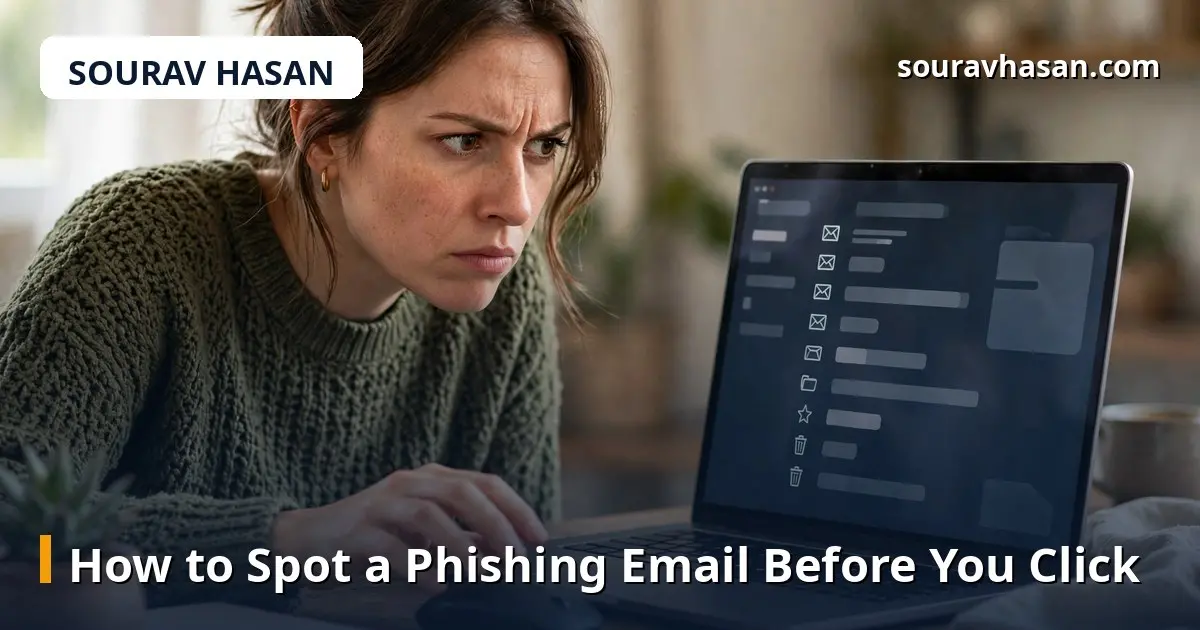
Most cyber attacks on small businesses do not start with a hacker breaking through a firewall. They start with an ordinary-looking email and one click. Phishing emails pretend to be from a bank, a delivery company, a colleague or a familiar service, and they are designed to make you act before you think.
As an IT manager, I have seen how convincing these messages can be — and how much damage one click can cause. The good news is that most phishing emails give themselves away if you know what to check. This guide covers the warning signs, what to do when you spot one, and how to protect your team.
Phishing is a scam where an attacker sends a message that looks like it comes from a trusted source, hoping you will click a link, download a file, or hand over a password or payment details. The message might warn that your account will be closed, offer a refund, or share an invoice you were not expecting.
The goal is always the same: get you to act quickly, without checking. Urgency is the attacker's best tool, so anything that pressures you to act immediately deserves a second look.
The display name may say your bank or a known company, but the actual email address tells the truth. Look for small changes: a different domain, extra letters, or a free email service where a company address should be. On a phone, tap the sender's name to reveal the full address before trusting it.
"Your account will be closed in 24 hours", "unusual activity detected", "payment failed — act now". Legitimate companies do send security alerts, but they rarely demand immediate action by email alone, and they never ask you to confirm a password by replying.
Before clicking any link, hover over it on a computer — or press and hold on a phone — to see where it really goes. A link that says it goes to your bank but points to an unfamiliar domain is phishing. Shortened links in unexpected emails are also a red flag.
An invoice, delivery note or document you were not expecting is a common way to deliver malware. Be especially careful with files that ask you to enable macros or content when you open them — that is a classic attack step.
"Dear customer" instead of your name, awkward sentences, and spelling mistakes are all warning signs. They are not proof on their own — real companies make mistakes too — but combined with other signs they matter.
No legitimate bank, courier or government office asks for your password, PIN, one-time code or full card details by email. Any message that does is a scam, whatever logo it carries.
A delivery notice for a parcel you never ordered, a password reset you never requested, an invoice from a supplier you do not use — if the context does not fit your life, do not engage with it.
One careful person is not enough — phishing only needs one click from anyone in the office. A few simple habits protect the whole team:
Simply opening a plain email is very unlikely to cause harm. The danger comes from clicking links and opening attachments. Still, do not open suspicious messages more than necessary — report and delete them.
Attackers can spoof a familiar name or take over a real account. If a colleague's email contains an unexpected link or an odd request — especially about money — verify it through another channel, such as a phone call, before acting.
No. The same tricks appear in SMS, WhatsApp and social media messages — fake delivery updates and prize offers are common. Apply the same checks: verify the sender, do not click blindly, and never share codes or passwords.
Spam is unwanted bulk email, usually advertising. Phishing is targeted deception designed to steal information or money. All phishing is harmful; most spam is merely annoying.
Phishing works because it exploits trust and urgency, not technical skill. The defence is a habit, not a product: pause before you click, check the sender and the link, and ask whether the message makes sense. Teach that habit to everyone in your office, back it up with two-factor authentication, and most phishing attempts will fail at the first check. The few seconds a check takes are always cheaper than the damage one click can cause.
Your email address will not be published. Required fields are marked *