Get in touch
I'm always excited to take on new projects and collaborate with innovative minds.
Phone
Website
Address
Dhaka, bangladesh
I'm always excited to take on new projects and collaborate with innovative minds.
Dhaka, bangladesh
Learn how to plan, choose and install a CCTV camera system for your home or shop, from camera placement and storage to remote viewing and upkeep.
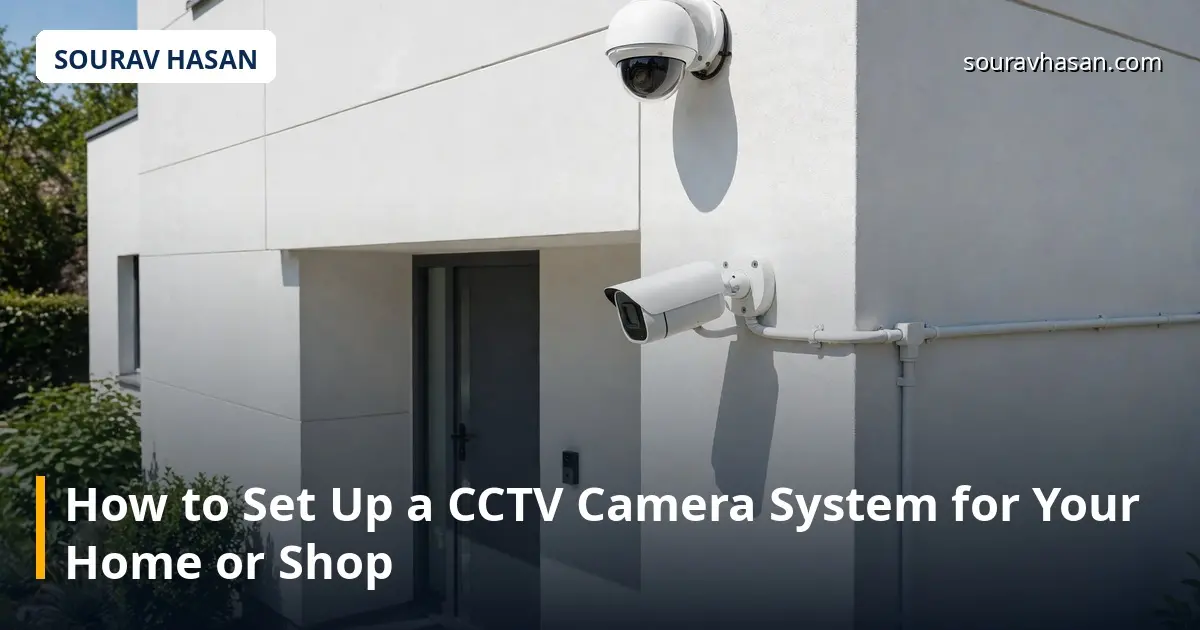
Setting up a CCTV camera system for your home or shop is less about buying as many cameras as you can afford and more about planning well. A few cameras in the right places, connected to reliable storage and set up so you can actually check them, will serve you far better than a large system that was never thought through. In my IT operations work, and in running a store that sells security cameras, I have seen both kinds, and the difference almost always comes down to planning.
This guide walks you through the process: working out what to cover, choosing camera types, deciding on a recorder and storage, sorting out power and cabling, and setting up remote viewing.
Before you look at any camera, walk around your home or shop and note the places that matter: the entrance, the main gate or front door, the cash counter, the stockroom door, the parking area and any side entrance. A camera watching a blank wall is wasted; a camera watching the one way in and out of a room is doing real work. Sketch a simple floor plan and mark where each camera would go, and think about light: a camera facing a bright doorway from a dark room will struggle.
Decide first what each camera is for — a wide view of the entrance, or a closer view to recognise a face — and write down one purpose per camera. For a small home or shop, three to four cameras often cover the essentials.
Bullet cameras are the long, cylindrical cameras often mounted on walls outdoors. They are easy to aim and visible enough to act as a deterrent, so they suit gates, driveways and shop entrances. Dome cameras sit in a rounded housing, often on a ceiling. They are discreet and harder to tamper with, which suits shop floors and hallways. PTZ cameras can pan, tilt and zoom, and suit a large open area such as a yard, but they cost more and usually complement fixed cameras rather than replacing them.
Most new systems use IP cameras, which send video over a network cable and generally offer higher resolution, easier remote access and more flexible placement. Analogue systems connect to a DVR over coaxial cable and are still used where existing cabling is already in place.
A camera without storage is only a live view. The recorder turns a camera system into a useful record, so choose it with the same care as the cameras. An NVR, or network video recorder, works with IP cameras; a DVR, or digital video recorder, works with analogue cameras. Both need a hard drive sized for your camera count, how long you want to keep footage, and whether you record continuously or only on motion. As a practical rule, plan for at least two weeks of footage for a home and longer for a shop. Motion-based recording stretches storage much further, so ask the seller or installer to estimate storage for your exact setup, and choose a surveillance-rated hard drive, which is built for constant writing.
Good cabling is the part of a CCTV system nobody notices until it goes wrong. Plan cable routes before you drill anything, and keep runs as short and protected as you reasonably can. Many IP cameras support Power over Ethernet, known as PoE, so a single network cable carries both data and power. This removes the need for a separate power socket at each camera, so check this before you buy, not after. Mount outdoor cameras high enough to be out of easy reach, but low enough to capture faces; around two and a half to three metres is a common starting point. Avoid pointing cameras directly at the sun.
One of the most useful parts of a modern CCTV system is checking it from your phone. Most recorders offer a companion app, so set it up during installation, while the installer or seller can still help, rather than weeks later. Connect the recorder to your router with a cable where possible, since a wired connection is more stable than Wi-Fi for a device that streams video all day. Create a strong, unique password for the recorder and the app, change any default password, and keep the recorder's software updated. Once the app is working, test it on mobile data as well as on home Wi-Fi, and check that playback of recorded footage works, not just the live view.
A CCTV system is not a fit-and-forget purchase. Set aside a short time each month to check that every camera is still recording, the picture is clear, the time and date on the recorder are correct, and the hard drive has enough free space. Clean lenses gently when dust builds up, and check after heavy rain or a power cut that the system restarted properly. Back up important footage promptly, because older footage is eventually overwritten.
Yes, for a small system with a few cameras, especially if you use PoE and the cable runs are straightforward. For larger systems or work at height, a qualified installer is safer.
No. Cameras and a recorder work on your local network. Internet is only needed for remote viewing or alerts while you are away.
It depends on hard drive size, camera count and settings. Many small systems keep one to four weeks before the oldest footage is overwritten.
Only with backup power. A small uninterruptible power supply, or UPS, can keep the recorder, switch and key cameras running for a short time during an outage.
A good CCTV setup starts with a clear plan, a few well-chosen cameras, reliable storage and a remote viewing setup you have actually tested.
Your email address will not be published. Required fields are marked *